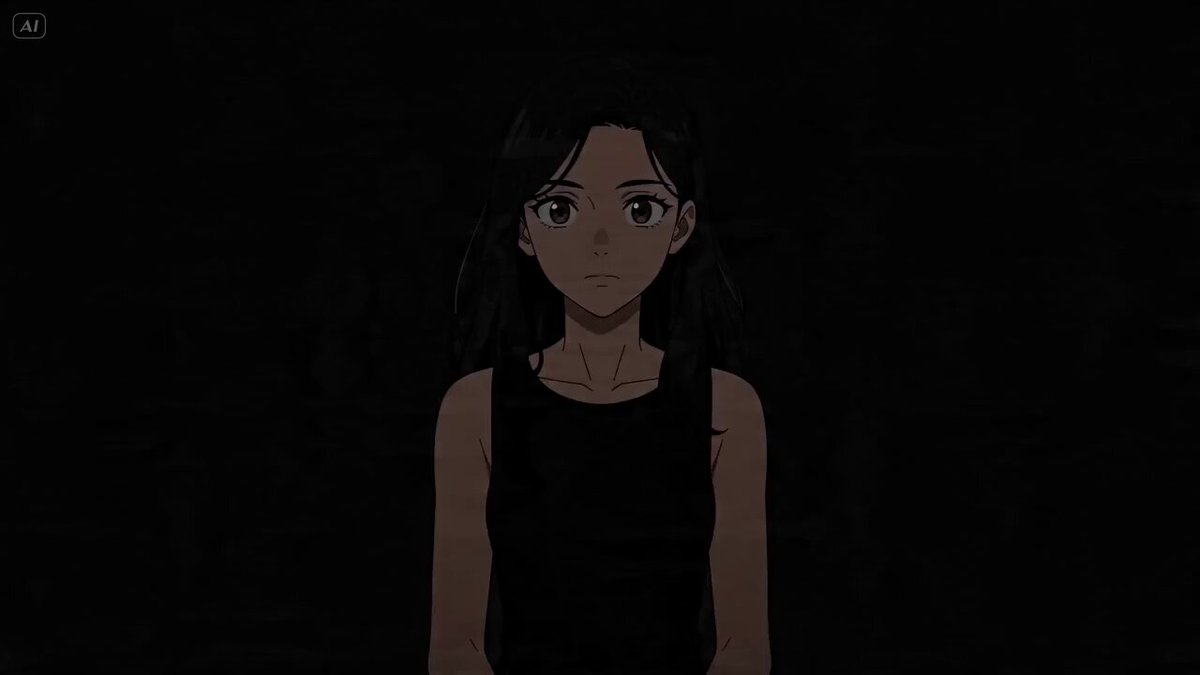
연속 샷을 통해 15가지 다양한 영화적 조명 기법을 보여주고 순환 전환하는 기술 테스트 프롬프트입니다.
This is a technical showcase of 15 lighting techniques. A cute girl sits in a studio with a black background facing the camera. She remains still while different lighting styles cycle through in rapid cuts. Stationary camera. One continuous shot. [1s] Key Light from left. The text "Key Light" appears at the bottom center of the frame. [1s] Fill Light is added from right. The text "Fill Light" appears at the bottom center of the frame. [1s] Both lights shuts off and back light turn on. The text "Back Light" appears at the bottom center of the frame. [1s] Key light and fill light both turn on again while the backlight remains on. The text "Three Point Light" appears at the bottom center of the frame. [1s] Change to High Key Light from the front. The text "High Key Light" appears at the bottom center of the frame. [1s] Dim to Low key lighting from the front. The text "Low Key Light" appears at the bottom center of the frame. [1s] Change to Rembrandt lighting from the right. The text "Rembrandt Lighting" appears at the bottom center of the frame. [1s] Chagne to Butterfly lighting. The text "Butterfly Lighting" appears at the bottom center of the frame. [1s] Chagne to Silhouette with strong light from behind. The text "Silhouette" appears at the bottom center of the frame. [1s] Change to Chiaroscuro Lighting. Extremely high contrast between light and dark areas. The text "Chiaroscuro" appears at the bottom center of the frame. [1s] Change to Left side lighting. The text "Side Lighting" appears at the bottom center of the frame. [1s] Change to rim lighting. The text "Rim Lighting" appears at the bottom center of the frame. [1s] Change to top lighting. The text "Top Lighting" appears at the bottom center of the frame. [1s] Change to bottom lighting. The text "Bottom Lighting" appears at the bottom center of the frame. [1s] All lights turn off, the backdrop falls to reveal a window with bright sunlight shining in from the outside. Camera tracks the girl turning to look outside and smile. The text "Natural Light" appears at the bottom center of the frame.